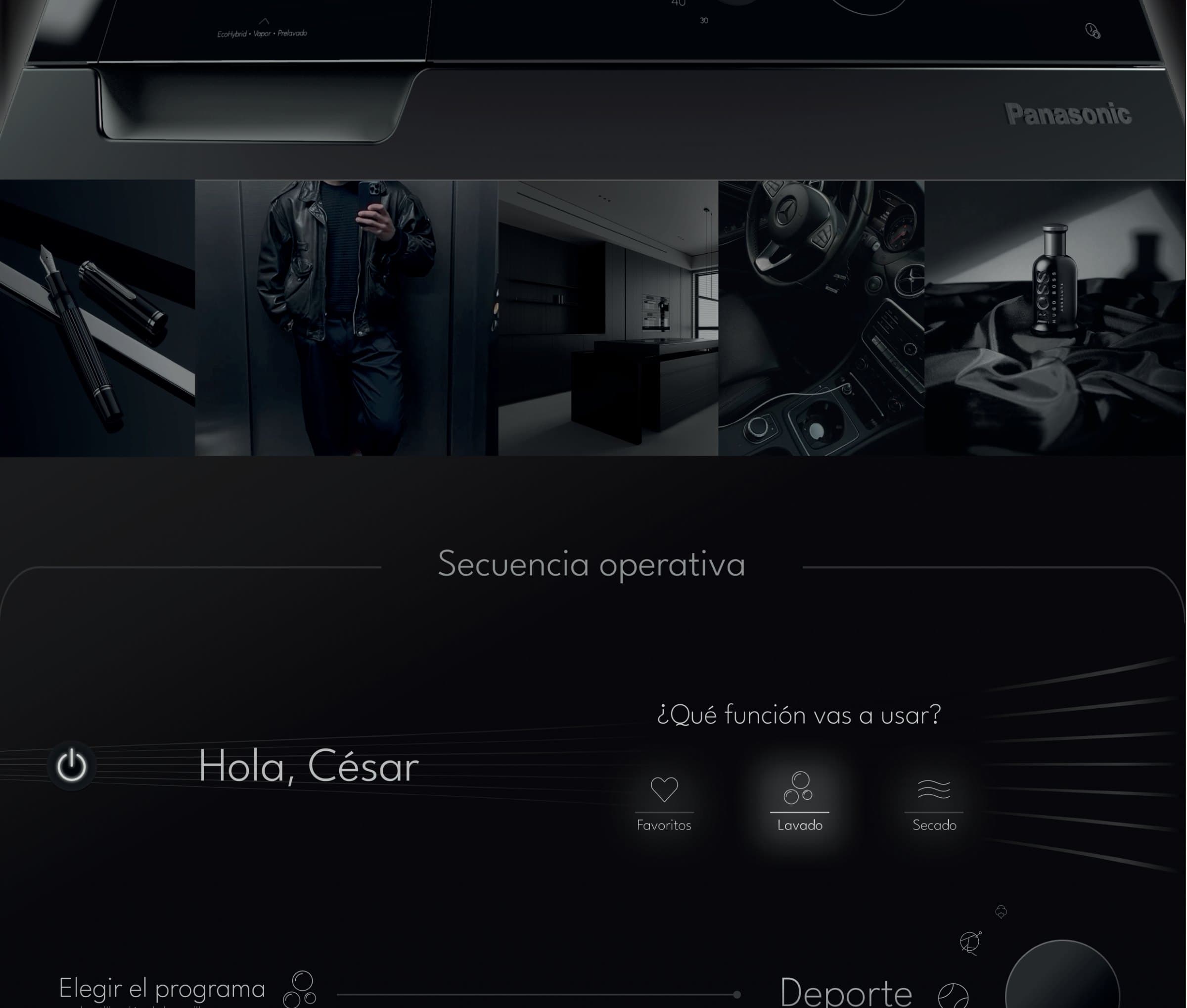
Panasonic washer
Washing machine interface
- Year
- 2024
- Type
- Product interface · HMI
- Context
- DIGAP TP2 — FADU/UBA
- Team
- D. Tamaro / M. Zabala
- Materials
- Glass · Backlit display · Rotary control
- Status
- Concept
The elegance your home needs. The technology your laundry needs.
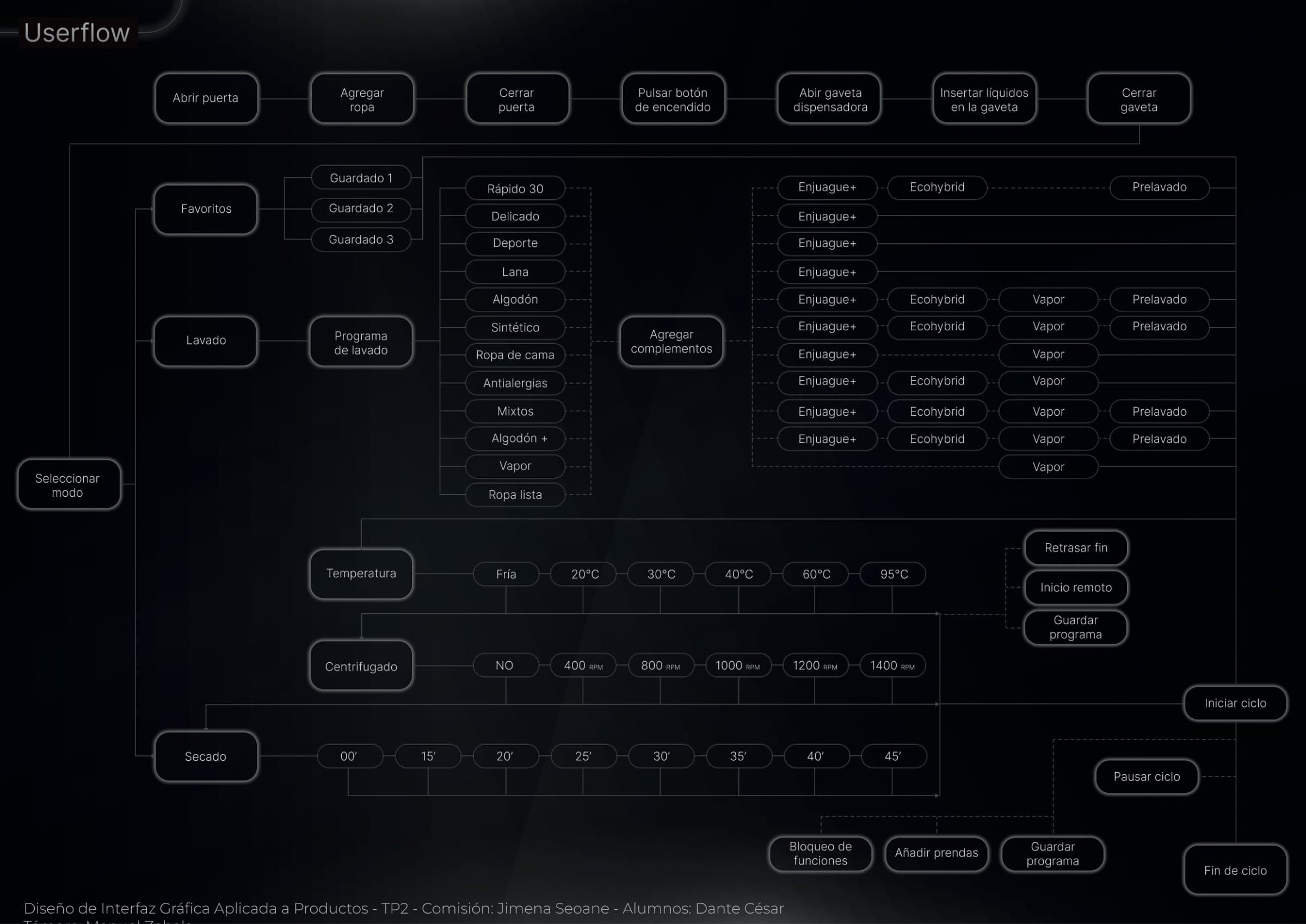
A high-end washing machine has a hard interface problem: twelve programmes, six temperatures, seven spin speeds, eight drying times and four add-ons that combine with each other. The challenge isn't showing all of it — it's getting the person to start the cycle without opening the manual.
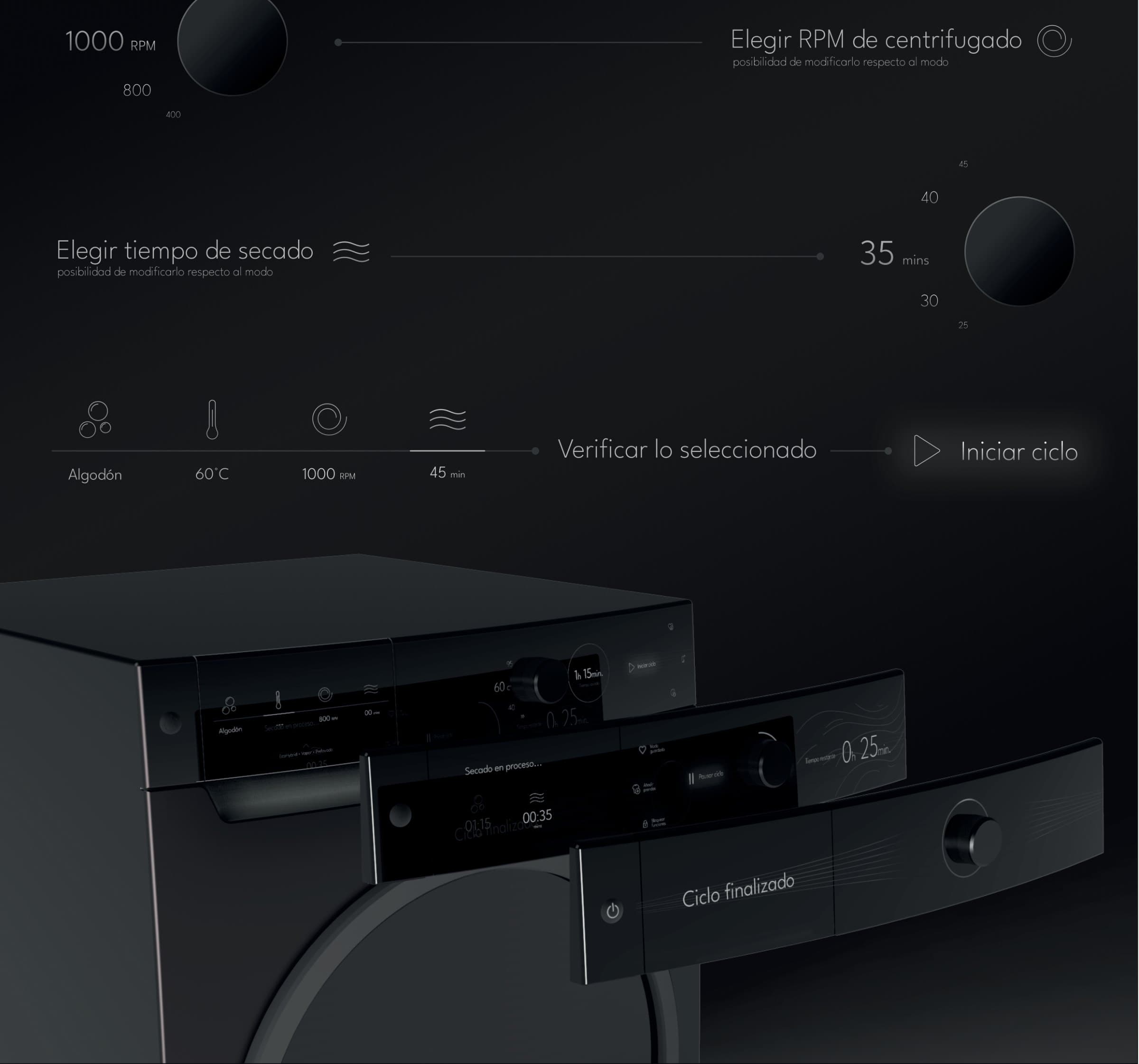
The answer was a dark panel that only lights up what is currently in play, and a bottom line that always sums up the current selection before you confirm.
Adjustment
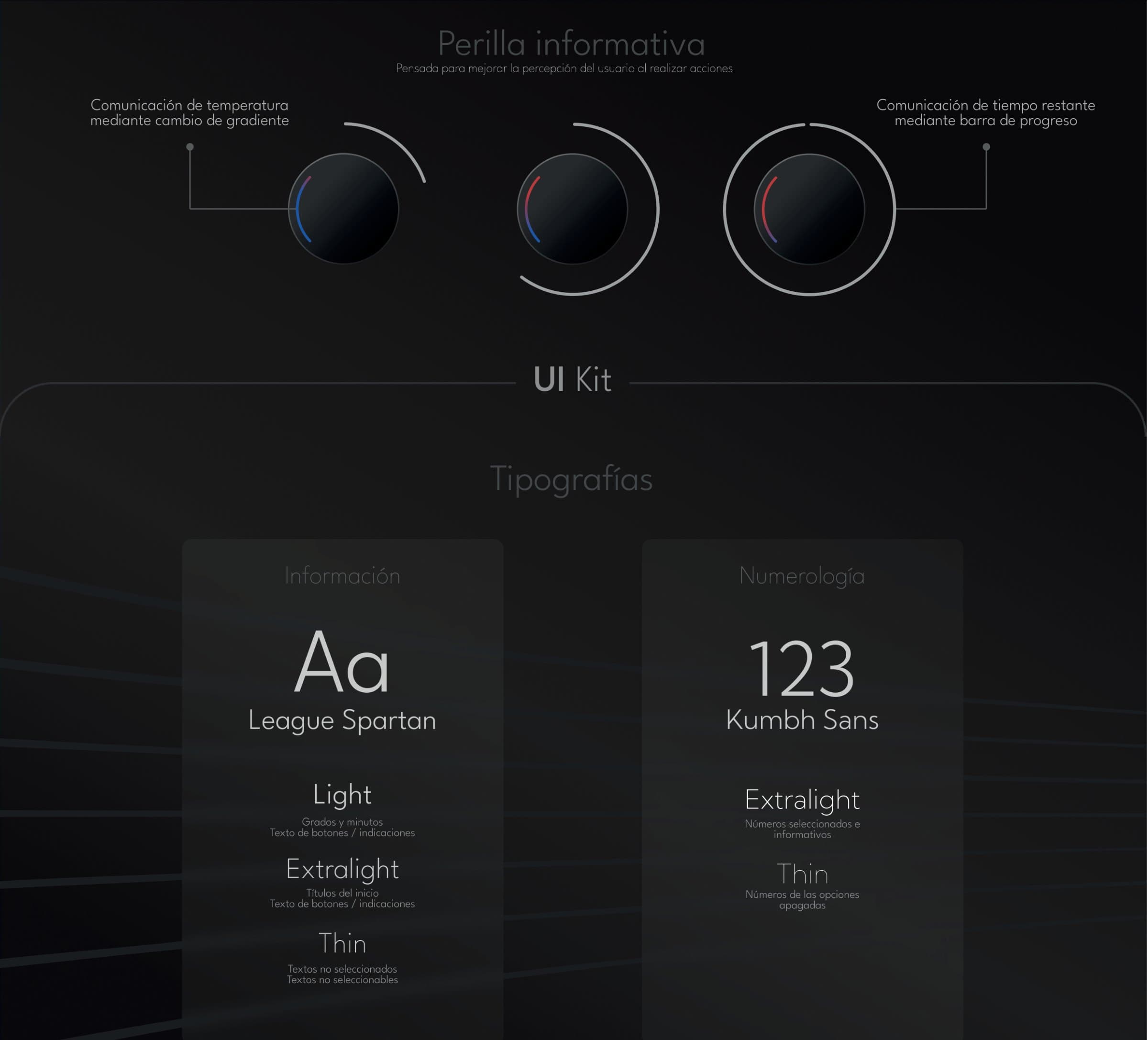
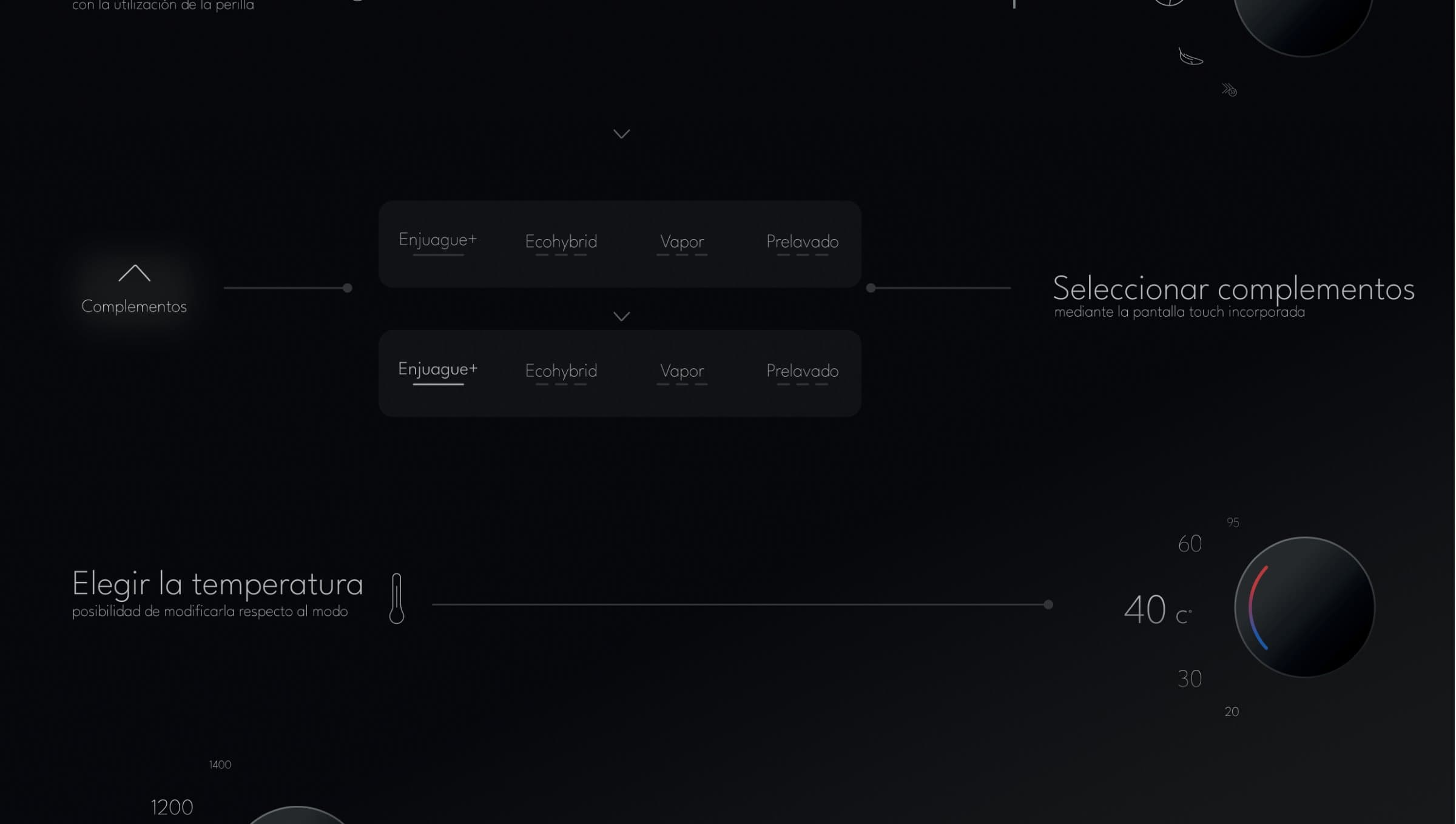
Each parameter gets its own screen, its own dial and a single large value. Everything else goes dark. At the bottom, the verification line accumulates what you picked, all the way to the start button.
Programmes
The full system
Twelve base programmes, four add-ons that combine with each other, and the control functions that sit on top of any cycle.
Programmes
- Quick 30
- Delicates
- Sportswear
- Wool
- Cotton
- Synthetics
- Bedding
- Anti-allergy
- Mixed
- Cotton +
- Steam
- Ready to wear
Add-ons
- Extra rinse
- Ecohybrid
- Steam
- Prewash
Temperature
- Cold
- 20 °C
- 30 °C
- 40 °C
- 60 °C
- 95 °C
Spin
- Off
- 400
- 800
- 1000
- 1200
- 1400 RPM
Control
- Delay end
- Remote start
- Save programme
- Function lock
- Add garments
- Pause cycle
Userflow
The whole decision tree on a single sheet: from opening the door to end of cycle, with every branch and every possible combination mapped.
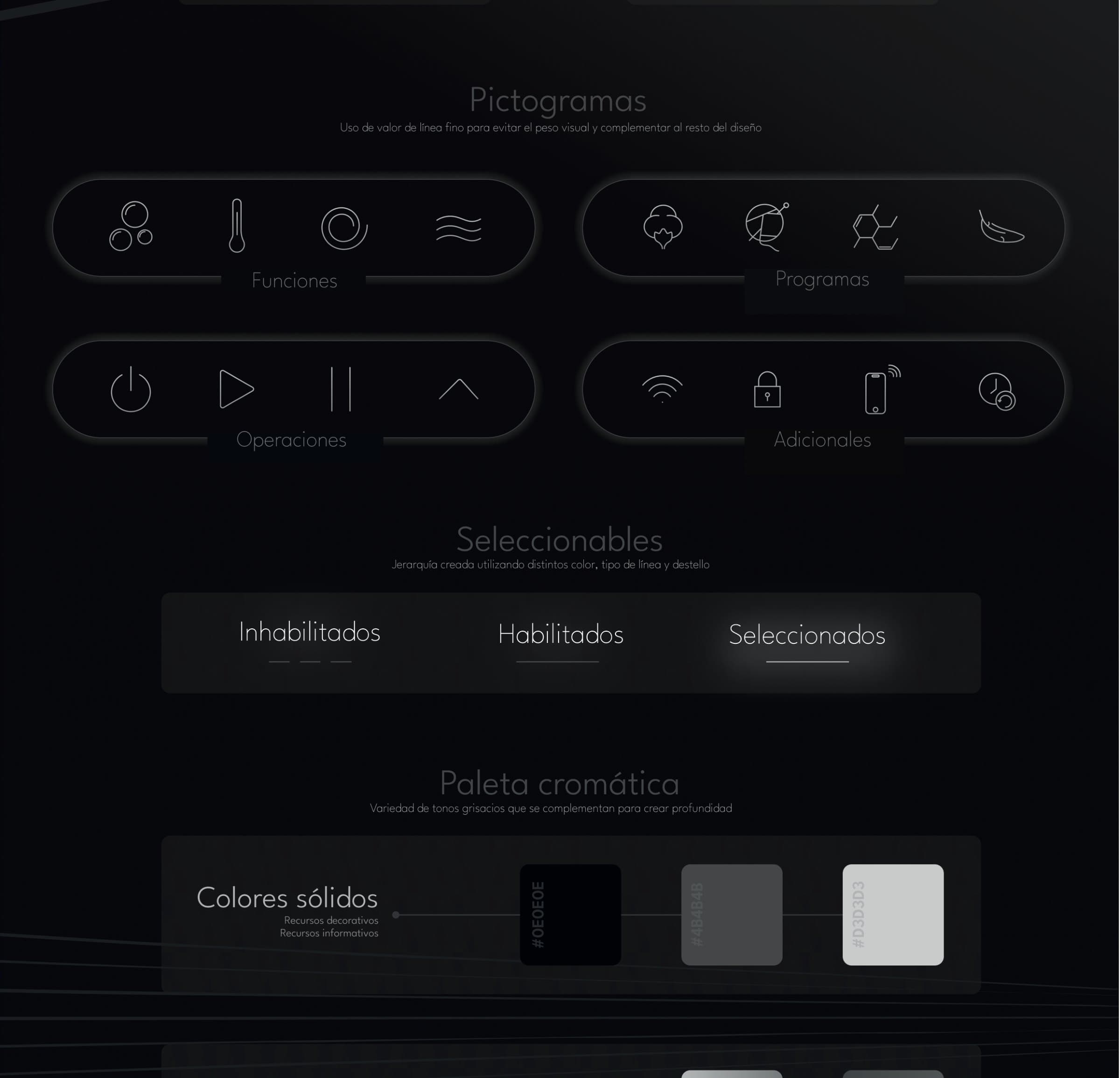
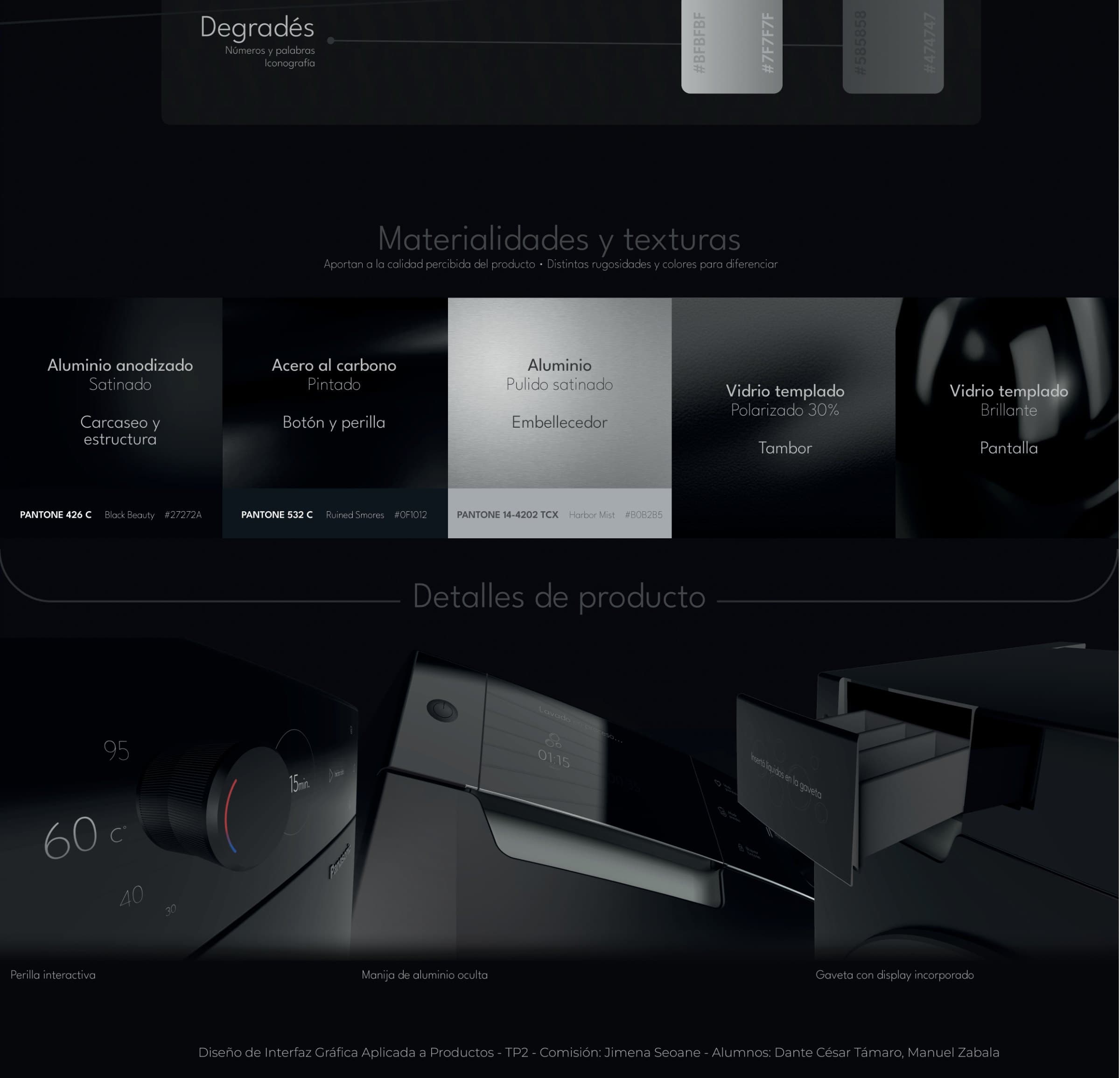
States and detail
References
The high end of an appliance doesn't look like another appliance: it looks like a car interior, a perfume bottle, an object you touch rarely and well.